Add controlled movement to a single image
Set the opening and closing frame, choose a motion direction, and preview how the still image develops over time.
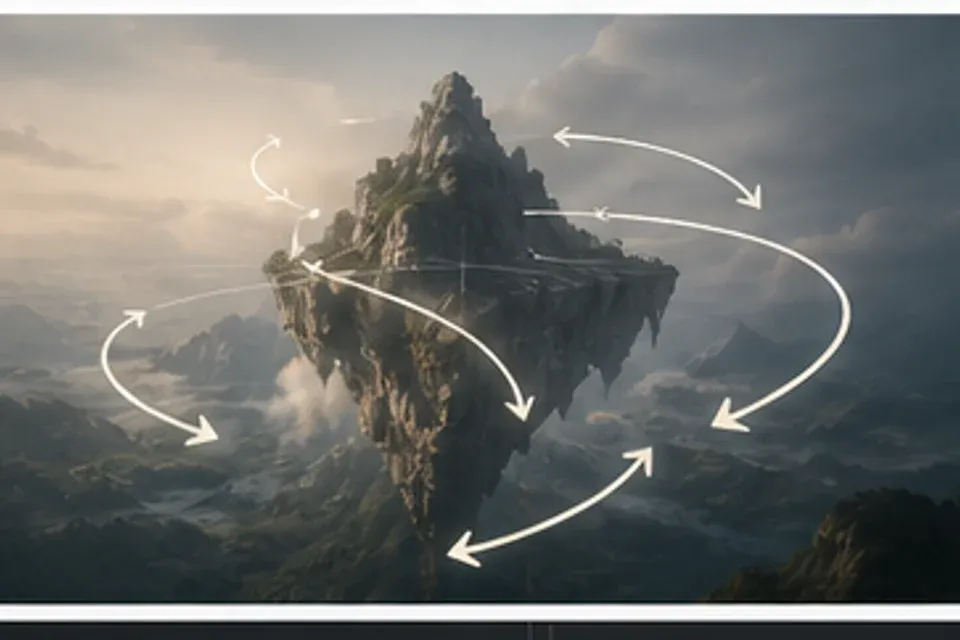
Define the motion
Choose the subject, movement range, and areas that should remain steady while the preview plays beside the source.
Still-to-motion planning
Choose the subject, movement range, and areas that should remain steady while the preview plays beside the source.
Anchor the first and last frame
Set clear visual endpoints to protect the composition and give each animated change a purposeful destination.
Compare movement styles
Review subtle drift, focused subject action, and broader scene motion without losing sight of the original image.
| Option | Best fit | Review point |
|---|---|---|
| Still-to-motion planning | Choose the subject, movement range, and areas that should remain steady while the preview plays beside the source. | Structure and clarity |
| Motion prompt control | Set clear visual endpoints to protect the composition and give each animated change a purposeful destination. | Output and control |
| Loop timing previews | Review subtle drift, focused subject action, and broader scene motion without losing sight of the original image. | Structure and clarity |
| Animated image finishing | Select an aspect ratio, playback length, and loop behavior suited to feeds, stories, presentations, or displays. | Output and control |
Export for the right channel
Select an aspect ratio, playback length, and loop behavior suited to feeds, stories, presentations, or displays.
Set the image in motion
Start from one considered still and direct an animation that respects its subject and visual balance.